A new year feels like a fresh start, but January is also one of the hardest money months. Holiday bills arrive, the next paycheck feels far away, and big resolutions tend to fade by February. A budget reset works better than a resolution because it's a short list of concrete tasks, not a promise to "be better with money."
Set aside two or three hours over a weekend. Grab your bank and card statements from the last few months, and work through these seven steps in order.
Step 1: Look back before you look forward
Skim your last three months of statements (or the full year if you can). You're looking for patterns, not judging yourself. Write down:
- Your average monthly take-home pay.
- Your average monthly spending in five or six big buckets: housing, transportation, food, debt payments, shopping and everything else.
- The one or two categories that surprised you most.
Those surprises are where this year's budget can make the biggest difference.
Step 2: Deal with the holiday bill first
If December left a credit card balance, make a plan for it before you set any new goals. Credit card interest works against every other goal you have.
- Write down each balance, its interest rate and minimum payment.
- Decide how much extra you can pay each month.
- Use our debt payoff calculator to see your payoff date.
If you have several balances, the snowball vs. avalanche guide helps you pick an order.
Step 3: Update your take-home pay
Pay often changes in January. A raise, a new benefit deduction, a change in insurance premiums or retirement contributions can all move your take-home number. Don't guess. Use your first January paycheck as your new starting point, and rebuild your budget from there. If you're paid every two weeks, remember that two months this year will have three paychecks. Our biweekly budgeting guide shows how to use them.
Step 4: Cut the subscriptions you forgot about
Search your statements for recurring charges. Streaming, apps, memberships, cloud storage, delivery passes and free trials that quietly became paid are the usual suspects. For each one, ask: did I use this last month? If not, cancel it or pause it. Our money leak finder shows what small recurring costs add up to over a year and over ten years, which makes the decision easier.
Step 5: List this year's irregular expenses
Most budgets break because of costs that don't come every month: car registration, insurance premiums paid yearly, annual memberships, back-to-school, birthdays, vet visits and, yes, next December. List every one you can think of with its rough cost and month.
Then divide each by the months until it's due, and add those amounts to your monthly budget. That's a sinking fund, and it's the fastest way to stop "surprise" bills. Start with next year's holidays: our Christmas savings fund guide shows how little it takes per week when you start in January.
Step 6: Build January's budget
Now put it together. Start with your updated take-home pay, then subtract in this order:
- Fixed bills (housing, utilities, insurance, phone, minimum debt payments).
- Everyday spending based on your real averages from step 1, not wishful numbers.
- Sinking funds from step 5.
- Your goals: extra debt payments, emergency fund, other savings.
If you've never budgeted before, the 50/30/20 rule is an easy starting split. If you want every dollar assigned, try a zero-based budget. Our budget calculator will do the math either way.
Step 7: Pick one to three goals, and make them specific
"Save more" is hard to follow. "Save $1,000 for emergencies by June" is easy to plan for: about $167 a month, or $77 per biweekly paycheck. Good goals have a number and a date. A few that work well in January:
- Build a starter emergency fund. The emergency fund guide helps you find your number.
- Pay off one specific card or loan.
- Try a savings challenge, like the 52-week challenge.
Our savings goal calculator turns any goal and date into a monthly amount.
Sketch the whole year on one page
Before you close your notes, draw a simple 12-month strip and mark the months that usually cost more. For many households it looks something like this:
- January: holiday bills, and sometimes yearly insurance or membership renewals.
- Spring: tax season. If you usually get a refund, decide now what it will go toward. If you usually owe, set a little aside each month.
- Summer: travel, camps and higher utility bills in some areas.
- Late summer: back-to-school costs.
- November and December: holidays, travel and year-end events.
Your list will be different, and that's the point. Once you can see the expensive months coming, your sinking funds from step 5 have a clear job, and no month catches you off guard.
Optional: kick it off with a no-spend January
A no-spend month in January pairs well with a reset. You pause everything except essentials (bills, groceries from a list, gas, medicine) and send what you'd normally spend straight to your goal. It's especially helpful if December ran over.
If a full month sounds like too much, try a no-spend week or just no-spend weekends. The no-spend challenge guide covers rules and free things to do, and our no-spend calendar tracker lets you tap off each day and watch your streak grow.
Make it stick past February
- Automate one thing. Set a transfer to savings for the day after payday.
- Schedule a 15-minute monthly check-in. Same day each month: compare plan vs. actual and adjust next month.
- Expect imperfect months. Going over in one category isn't failure. Move money from another category and keep going.
- Keep the tools simple. Use whatever you'll actually open: paper, a spreadsheet or an app. Our spreadsheet vs. app guide can help you choose.
Your new year reset checklist
- Review the last three months of spending
- Make a payoff plan for any holiday balance
- Update take-home pay from your first January paycheck
- Cancel or pause unused subscriptions
- List irregular expenses and start sinking funds
- Build January's budget
- Set one to three goals with a number and a date
Try a no-spend January.
52-week, 100-envelope or no-spend month. Tap a box, watch the jar fill, celebrate every milestone.
Open the tracker →Try the numbers yourself
Our free budget calculator works it out in seconds. No sign-up.
Open the calculator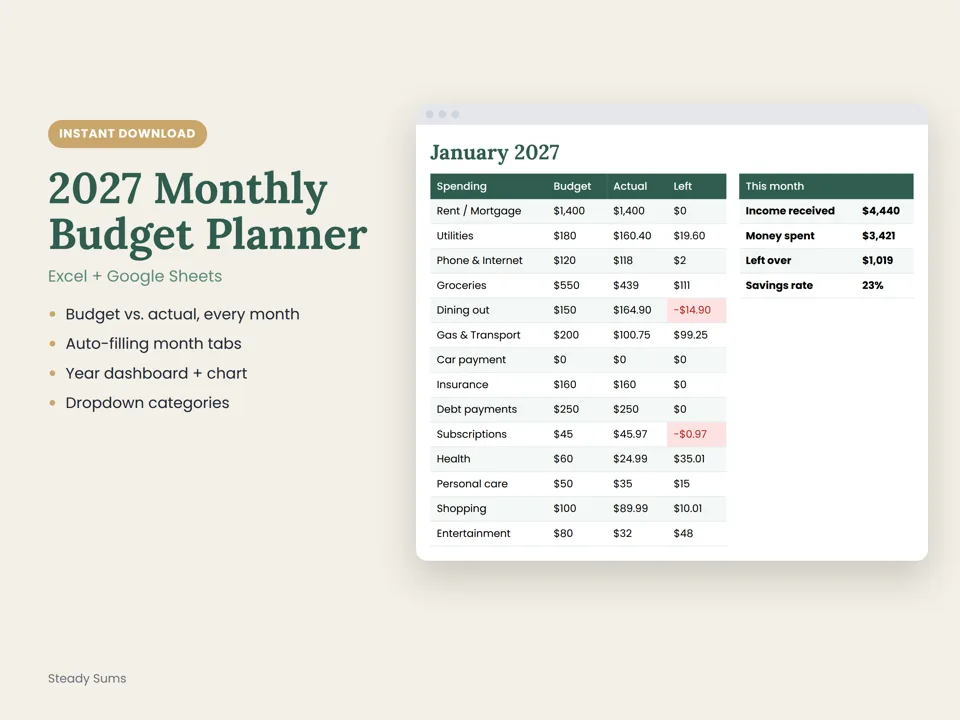
Want this done for you every month?
Our budget spreadsheet fills in each month automatically and shows budget vs. actual at a glance.
Start the year with a budget that carries forward month to month.
Budget, debt payoff and savings goals in one calm app, on your phone or computer. Free for 14 days, then $5/month. No card needed to start.
Try the Planner freeQuestions people ask
How do I reset my budget for the new year?
Review the last few months of spending, make a plan for any holiday debt, update your take-home pay from your first January paycheck, cancel unused subscriptions, plan for irregular expenses with sinking funds, build January's budget and set one to three specific goals.
What is a no-spend January?
A month where you spend only on essentials such as bills, groceries from a list, gas and medicine, and send the money you'd normally spend on extras to savings or debt. Shorter versions, like no-spend weeks or weekends, work too.
Should I pay off holiday debt or build savings first?
Many people keep a small starter emergency fund so a surprise bill doesn't go back on the card, then put extra money toward high-interest debt. The right balance depends on your situation.
Why do money resolutions fail?
They're usually too vague or too big. A specific goal with a number and a date, an automatic transfer and a short monthly check-in are easier to keep than a general promise.
How long does a budget reset take?
Most people can finish the steps in two to three hours over a weekend, then spend about 15 minutes a month keeping it up to date.
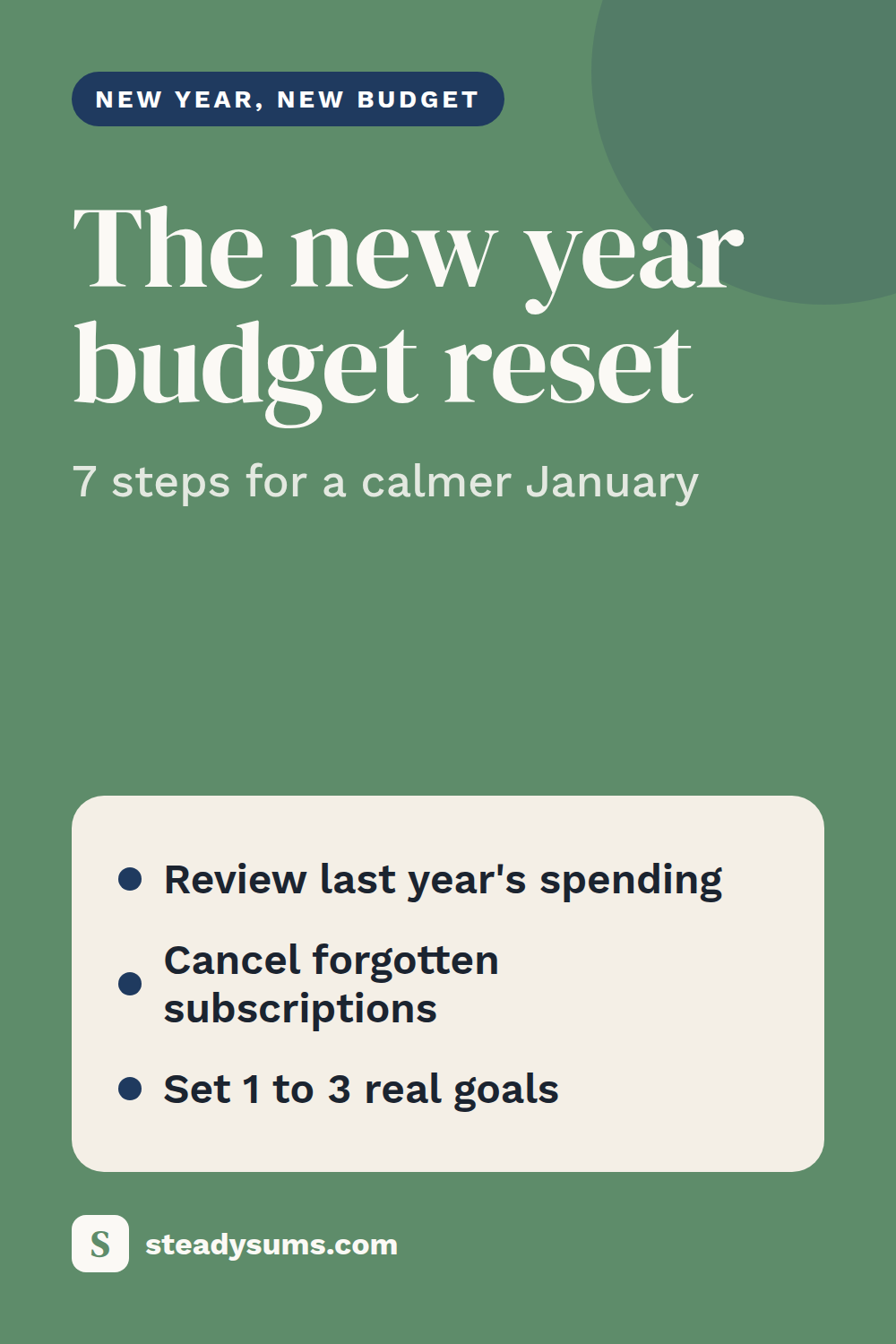
Save this guide for later.
Pin it to your budgeting board so it's there when you need it.
Steady Sums shares general education, not financial advice. For decisions about your situation, talk to a licensed professional.
More money guides
How to start budgeting (a simple beginner guide)
You don't need a perfect spreadsheet. You need five steps and about an hour.
Read the guide →How to do a no-spend challenge (and actually save money)
Pause everything except the essentials for a set time. It's a quick reset that shows you exactly where your money usually leaks.
Read the guide →Budget spreadsheet vs. budget app: which one should you use?
The best budgeting tool is the one you'll still open in March. Here's an honest look at spreadsheets, apps and paper, and how to pick.
Read the guide →One calm money move a week.
A 3-minute Tuesday email with one simple step for budgeting, saving and paying off debt. Join free and get a printable $1,000 emergency fund tracker.